
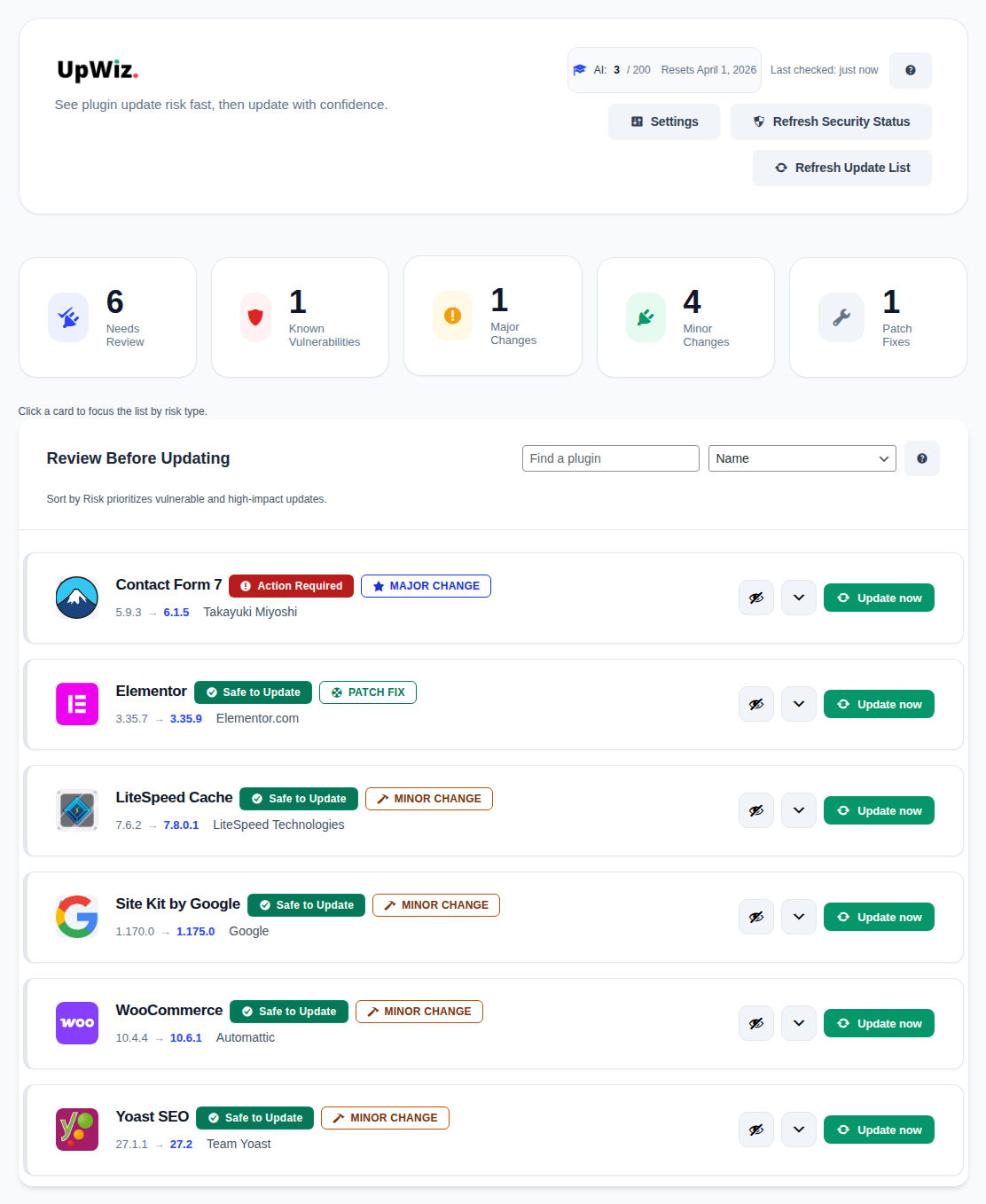
Open Dashboard → UpWiz to see your pending plugin updates in one place.
What you will see #
- A header with refresh actions, AI usage, and quick access to settings
- A list of plugin cards showing version changes and next actions
- Details you can open before updating important plugins
Suggested workflow #
- Scan the list for high-impact plugins.
- Open details for anything that affects checkout, logins, security, design, or memberships.
- Review the changelog, known vulnerability status, and AI guidance.
- Update now, keep it manual, or move it into a safer Pro automation routine.
If nothing needs attention, the dashboard shows an up-to-date state instead of an update list.


