
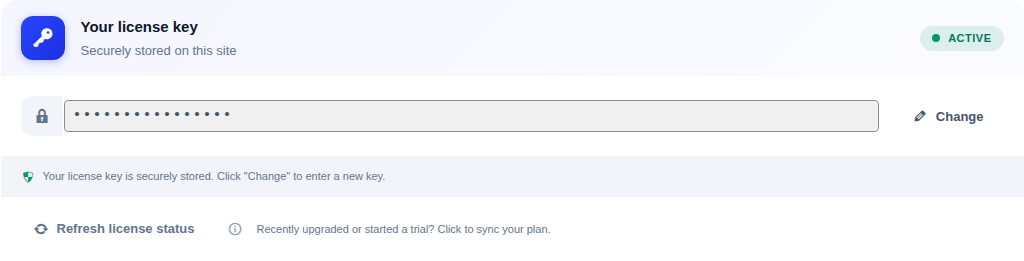
A connected key keeps your plan status in sync and unlocks AI analysis and paid features.
- Open UpWiz → Settings → Account & plan → License & sync.
- Paste your key into the main field.
- Click Validate.
- If you recently changed plans, click Refresh license status.
If you need a free key, complete the onboarding flow and check your email. If you already bought Pro or started a trial, download upwiz-pro.zip from My Licenses and install it with Plugins → Add New → Upload Plugin.
If it does not validate #
- Re-copy the key and remove any extra spaces.
- Make sure you are using the key tied to the correct account.
- Check Site health & data to confirm the site can reach
api.upwiz.app.


