
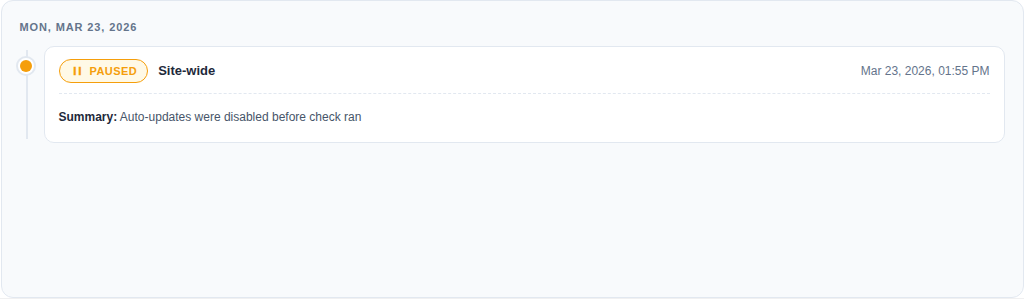
The Activity log shows what happened during automated update runs.
Use it to see #
- Which plugin was updated
- When it ran
- Whether it succeeded, was skipped, or rolled back
- Why UpWiz stopped or deferred an update
Open it from UpWiz → Settings → Safe updates → Activity log. You can search, filter by date, refresh the list, and clear old entries from this screen.


