
UpWiz Pro is a separate add-on that works alongside the free UpWiz plugin.
- Make sure the free UpWiz plugin is already installed and active.
- Open My Licenses and download
upwiz-pro.zip. - In WordPress, go to Plugins → Add New → Upload Plugin.
- Upload and activate the ZIP.
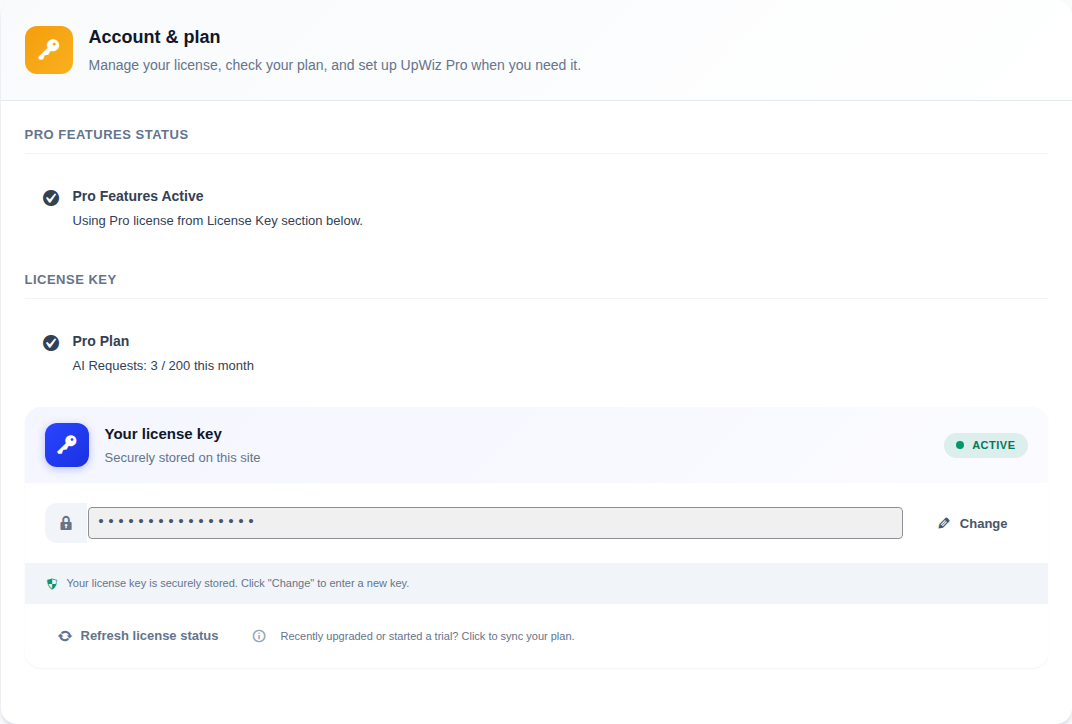
- Open UpWiz → Settings → Account & plan → License & sync and validate or refresh your key.
If the add-on shows its own activation prompt, use the same key there. Once the site shows the correct plan, Pro-only controls become available.


